Minecraft Circle Generator
Use this minecraft circle generator and pixel circle generator to turn a diameter into an exact block-by-block layout for Minecraft builds.
Total blocks: 40
How To Use
Input diameter
Enter the diameter you need. For example, a diameter of 10 means the generated pixel circle layout is 10 blocks wide.
The reference canvas places blocks in Minecraft.
Use the canvas as a Minecraft circle generator reference while you place blocks in game, or open it on your phone as a second screen.
Best Practices
Highlight the row or column you are building so you can track progress on large circles, pixel art, domes, towers, and future shapes such as a Minecraft pentagon.
A precise minecraft circle generator for builders
Enter the desired diameter and the tool automatically generates a clean circle grid. Place blocks in Minecraft from the reference, then click the canvas to mark your placement progress as you build.
Pixel circle generator workflow for Minecraft builds
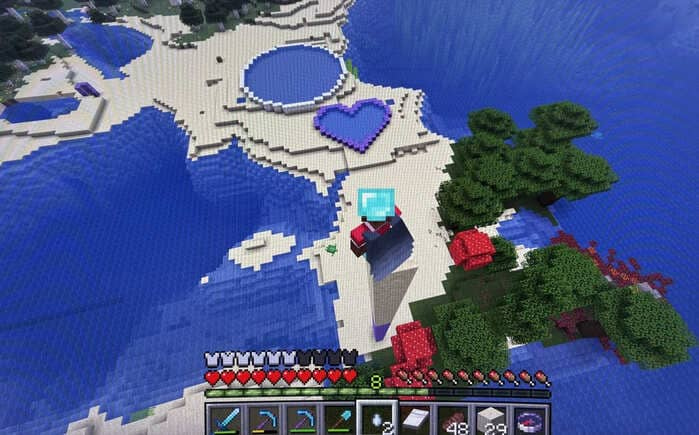
Most circle offsets change by one block at a time. Keep the webpage and game open together, select the current row or column, and use the pixel circle generator layout until the pattern becomes easy to build from memory.